Roles
What an Admin can do, what Staff can do, and what each sees on your site.
Everyone who signs in to your site has one of two roles. An Admin runs the site. Staff work the quotes.
You choose a person's role when you invite them, and an Admin can change it later.
| Admin | Staff | |
|---|---|---|
| Quotes, Messages and Pickups | Yes | Yes |
| New quote | Yes | Yes |
| Read every setting | Yes | Yes |
| Change a setting | Yes | No |
| Change history | Yes | Yes |
| Their own profile | Yes | Yes |
| Users: invite, edit, change a role, resend, disable, enable | Yes | No |
| Setup | Yes | No |
Admin
An Admin can do everything on your site: work quotes, change every setting, invite people, change their roles, disable them, and open Setup.
Your site always has at least one Admin who can sign in. The last one can't be disabled or made Staff, so someone is always able to let people back in.
A yard's first Admin is set up on Business info during setup. That Admin invites everyone else. An Admin needs a mobile number on their profile before they can invite anyone, because their own password resets are texted to it.
Staff
Staff work your quotes, messages and pickups every day. They can open every page under Settings, to see how your site is set up, but they can't change anything there.
On a settings page a Staff member sees every field greyed out, and no Save, Add or Remove buttons. A search box or a list's pager still works, so Staff can look things up.
Staff don't see Users or Setup in the sidebar or on the home page. While your site is being set up, they see only the waiting page; see Setup.
Access denied
If a Staff member opens a page that's for Admins, such as Users or Setup, or tries to save a setting, they see "You don't have access to that page" and a Back to home button. Nothing is saved.
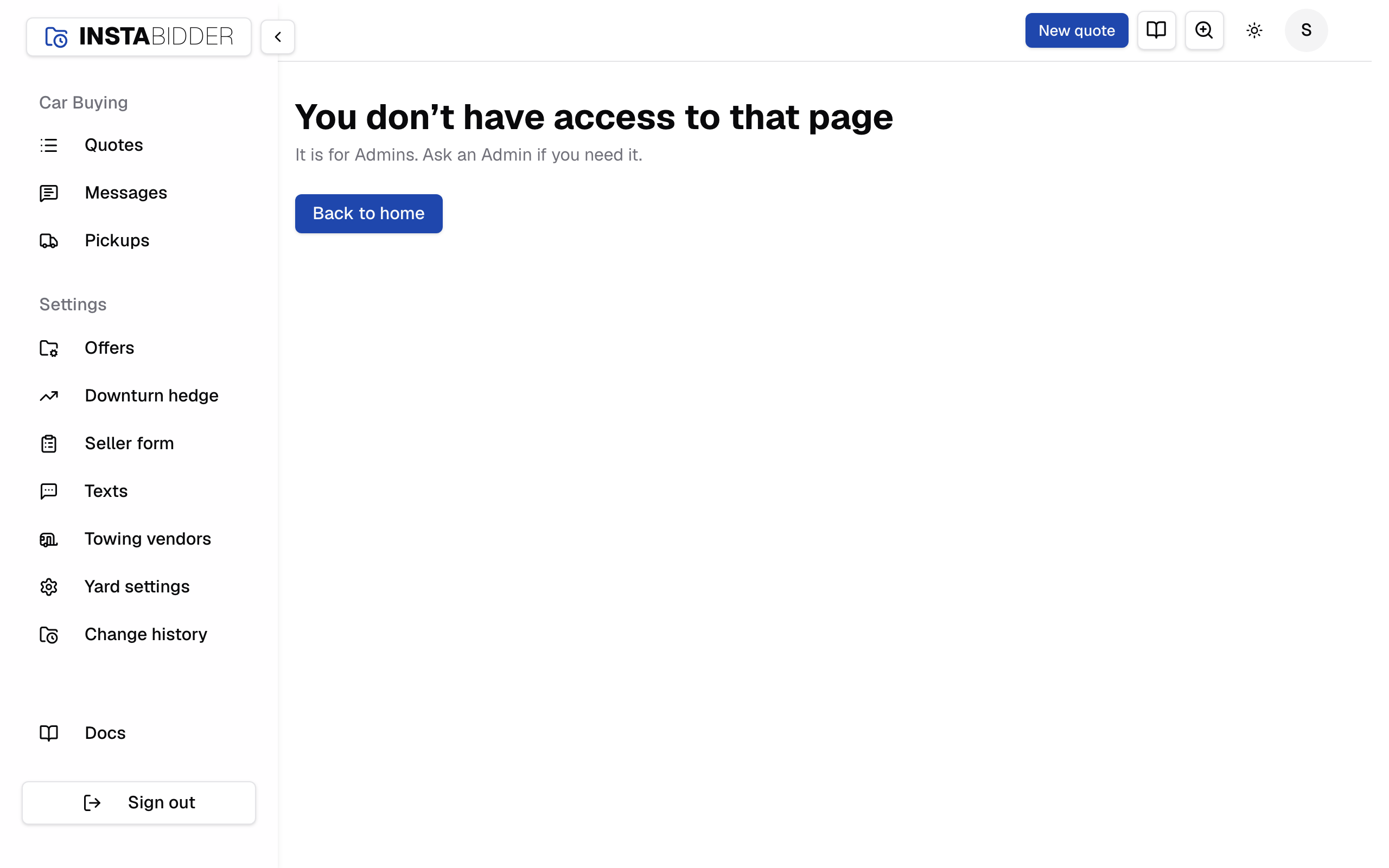
Nothing is wrong with the account; the page is for Admins. Ask an Admin if you need the page or the change.
Changing someone's role
Admin can change settings and invite people; Staff work quotes, messages and pickups. A new role signs the person out everywhere, and they sign in again with it.
Choose Edit on the person's row in Users, pick the role and choose Save. The page says they're "now Staff" or "now an Admin" and signed out everywhere. Their password stays the same.
For someone who has accepted, the dialog shows their name, email and mobile number without letting you change them: the name and mobile are theirs to change on their profile, and their reset links go to that mobile. For someone who hasn't accepted yet, the same dialog also corrects their invite; see Correcting an invite.
- Your own role can't be changed, and your row has no Edit. Ask another Admin.
- The last Admin who can sign in can't be made Staff. Your site says they're "the last Admin who can sign in, so can't be made Staff." Make someone else an Admin first.
- If someone else changed the person after you opened the dialog, your site refuses, names who, and keeps the dialog open so you can save again.
Disabling someone
An Admin can disable anyone except themselves. Disabling signs the person out everywhere at once and cancels any invite or reset link they hadn't used. You can enable them again later.
Inviting people shows how.