History
The latest changes to your seller form, who made each one and when.
History lists the latest changes to what sellers are asked and how the form looks, newest first. Nothing in it can be edited or deleted.
History
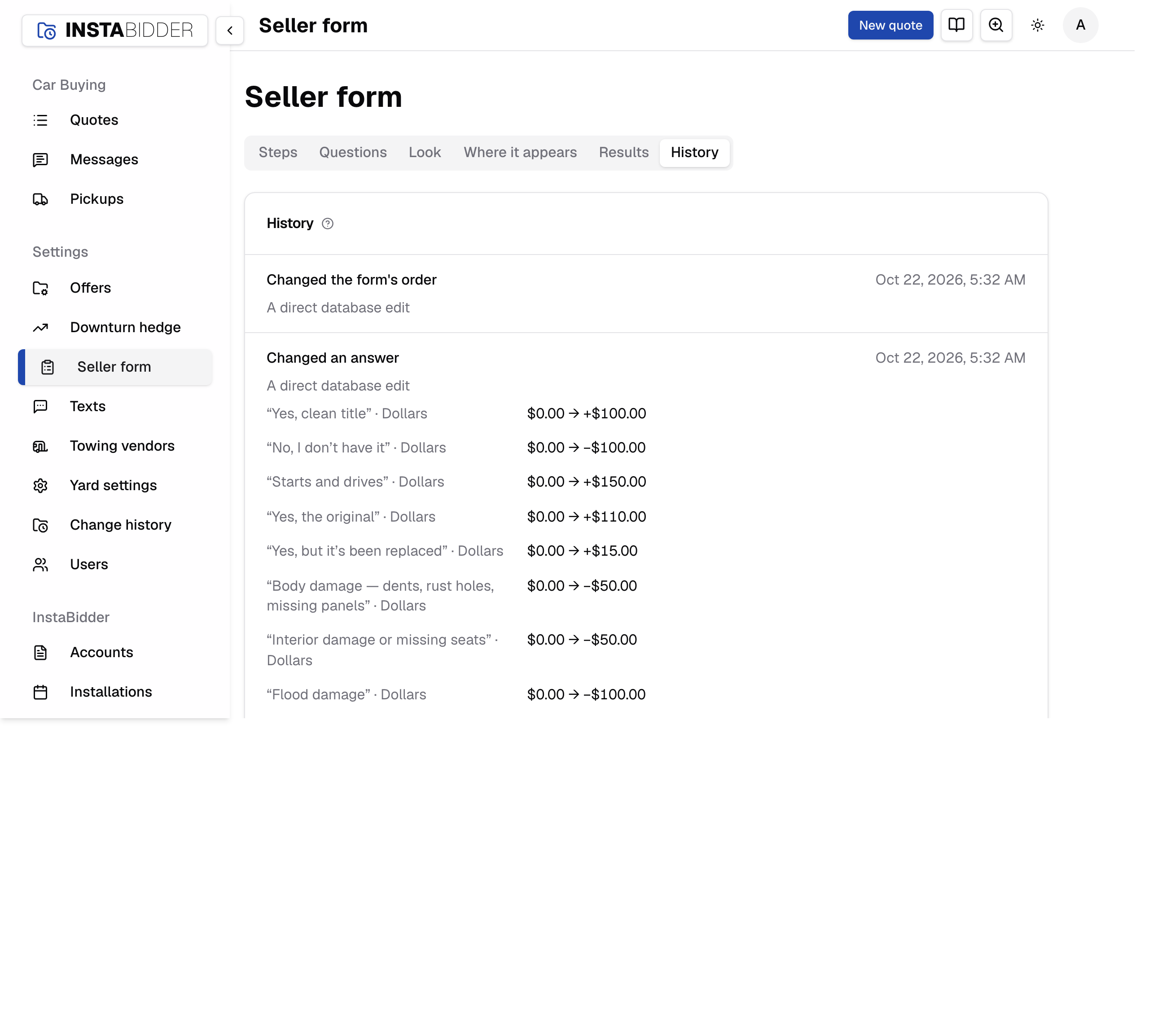
The latest 20 changes to the seller form: questions, answers, the order, the phone, the look and the website. Each says what changed, when and who.
What's recorded:
- A question added, saved or removed, with its follow-ups, such as "Added the question “Do you have the keys?”".
- A step or a follow-up moved in the order, such as "Moved the follow-up “Which wheels?” above “Is it on flat tires?”".
- Where the phone is asked, such as "Ask for the phone: before the offer".
- The look chosen, or InstaBidder's look, and each time your website was read for its colors, including a read that failed ("Tried to read the website's look").
- The website the form appears on, set or cleared.
Each entry has its sentence, when it was done in your time zone, and who did it. Under it are the values that changed, each with what it belongs to, before and after, such as "“No” · Dollars −$100.00 → −$150.00". An empty value reads "—", a new answer or question reads "Added", and a removed one shows when it was archived. A move has its sentence only.
With no changes yet, the tab reads "No changes yet". Everyone who signs in can read History, Staff included.
All changes
When there are more than 20, All changes opens Change history for the seller form, where you can see every change and filter by person.
See Change history for what else it records.